放哪儿
东西放哪了?几秒找回。
拍下物品和放它的地方,在照片上圈出具体位置,写个名字就记好。要用的时候搜一下,马上看到当初放在哪。
iPhone 和安卓版即将上架;安卓版正在 Google Play 测试中。
- 拍下物品写个名字就行
- 拍下位置圈出在哪一格
- 搜一下几秒看到在哪
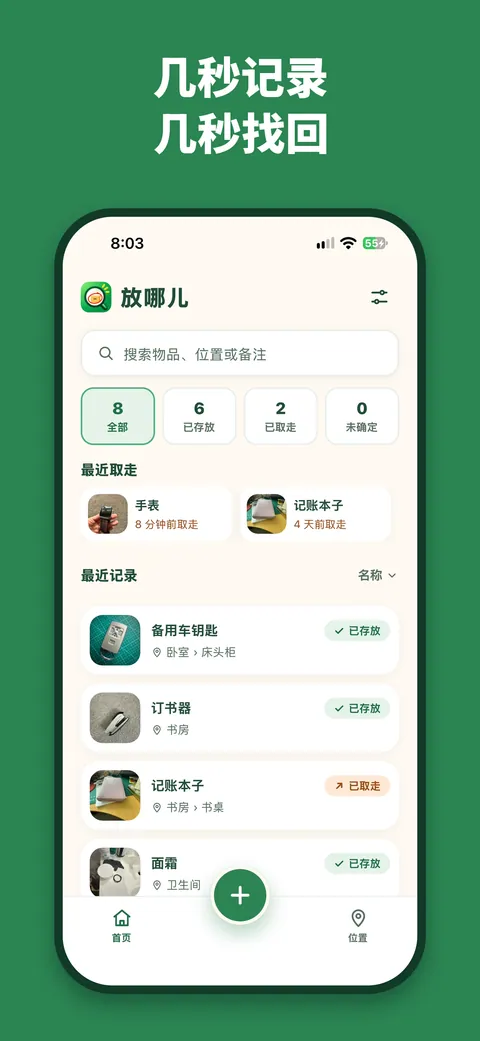
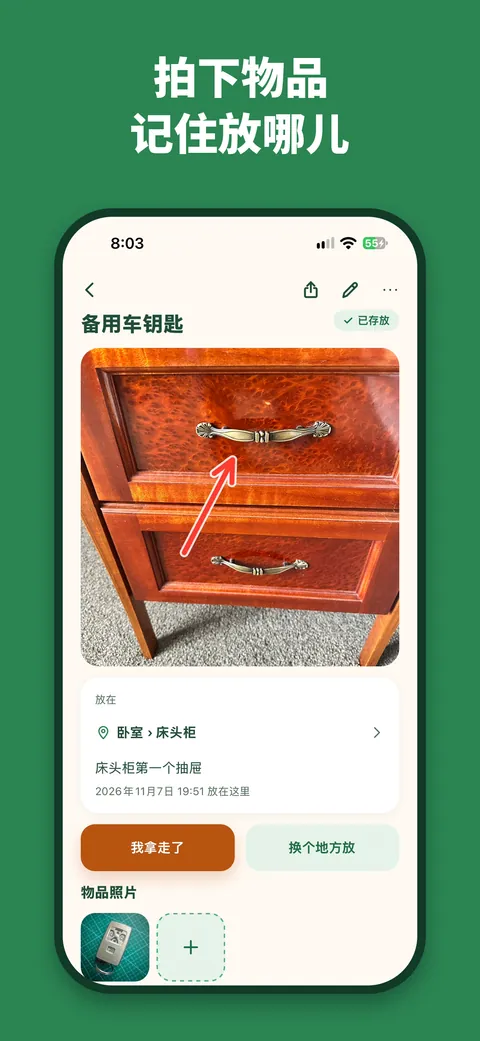
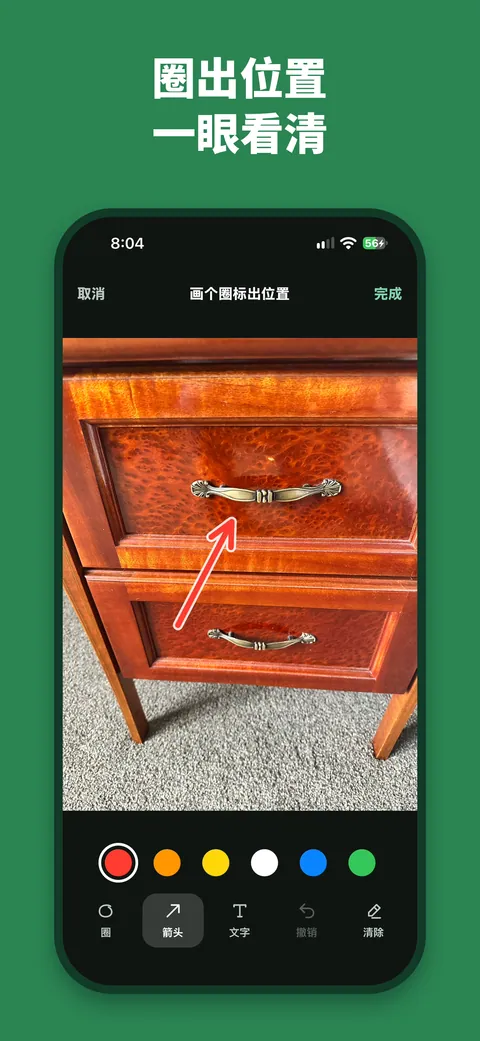
← 左右滑动看更多 →
备用钥匙、说明书、那个小配件……
- 几秒记好拍下物品,再拍下放它的地方,写个名字就能保存,分类和备注都可以不填。
- 圈出具体位置用圈、箭头或文字标出在哪一格、哪个盒子。原图不变,标记随时可改。
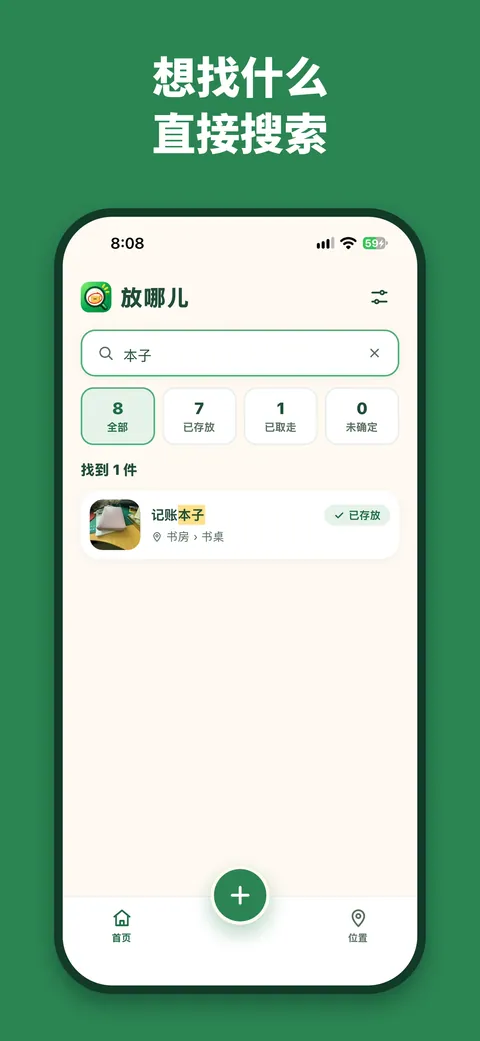
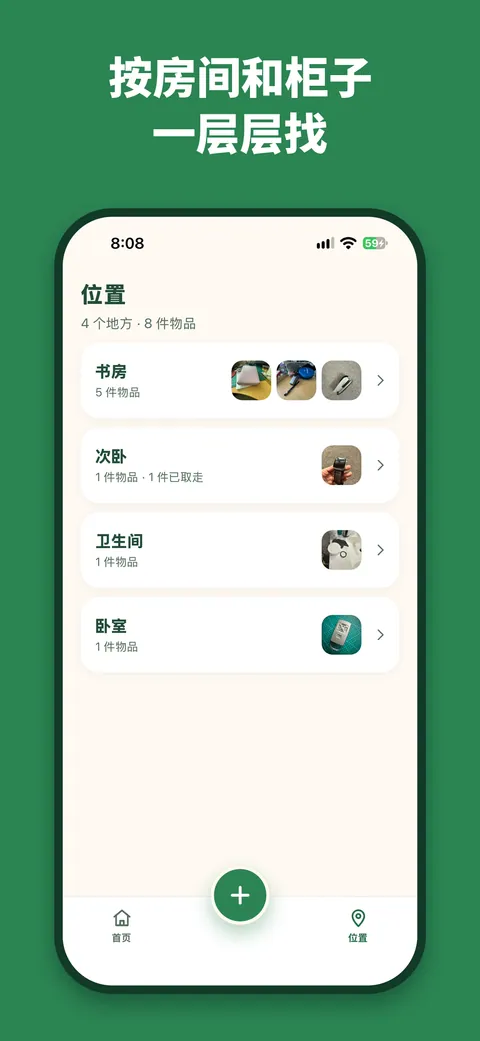
- 几秒找到搜名称、位置或备注,边输入边出结果;也能按房间、柜子一层层找。
- 拿走、放回,点一下拿走、放回、换地方都只要点一下,点错可以撤销,每件物品都有自己的历史。
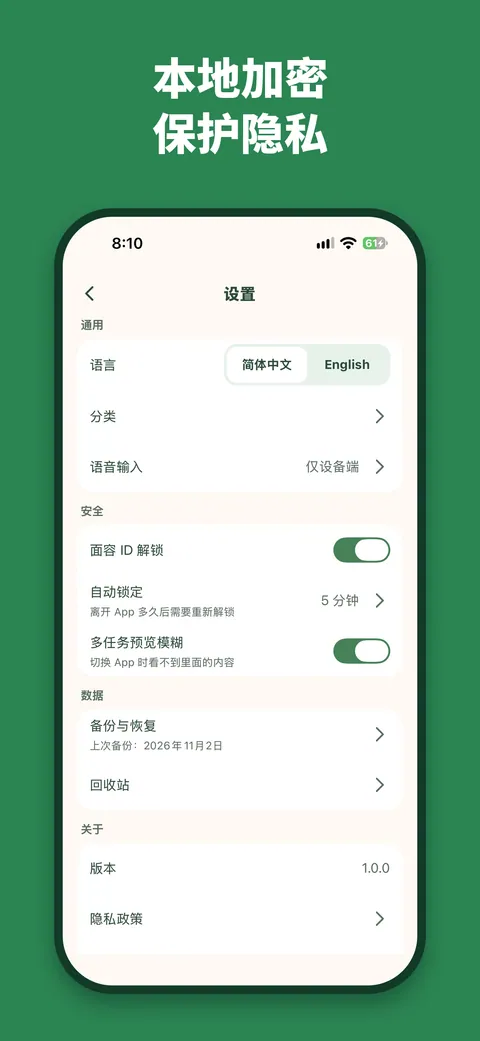
- 只在你的手机上,加密保存不用注册,没有服务器,开发者也看不到你的内容。照片不进系统相册,可用面容 ID 或指纹解锁。
- 换手机也不丢导出用你自己的密码加密的备份,换手机后恢复;删除的物品在回收站保留 30 天。
免费记录 20 件,所有功能都能用。Pro 一次买断,不限数量、没有广告。
Where Is It?
Put it away. Find it in seconds.
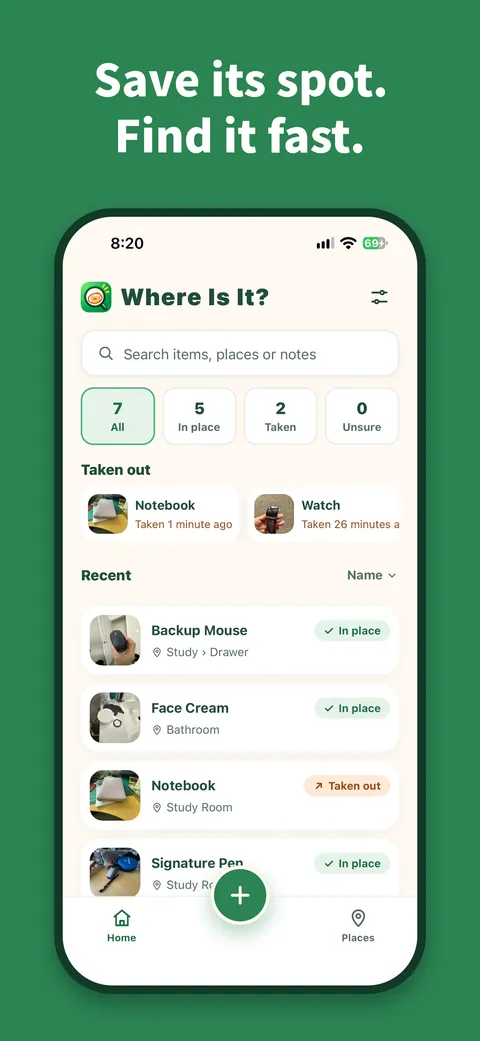
Snap the item and the place you put it, circle the exact spot on the photo, give it a name — saved. When you need it, search and see right where you left it.
Coming soon to iPhone and Android; the Android version is in testing.
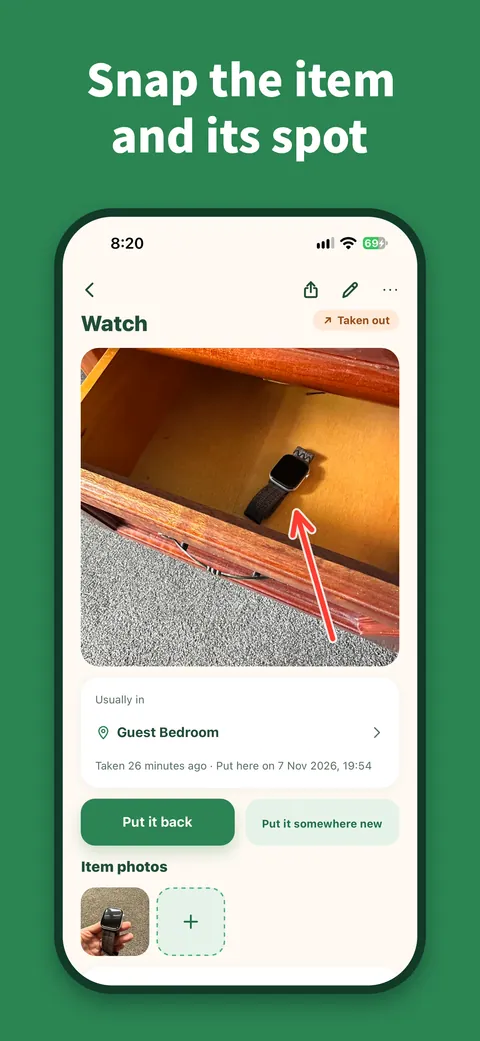
- Snap the itemjust give it a name
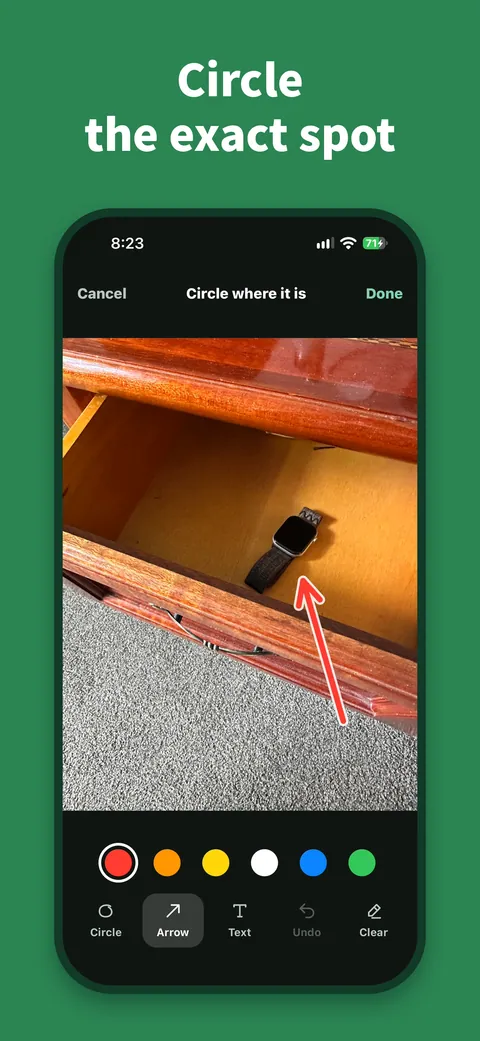
- Snap its spotcircle where it is
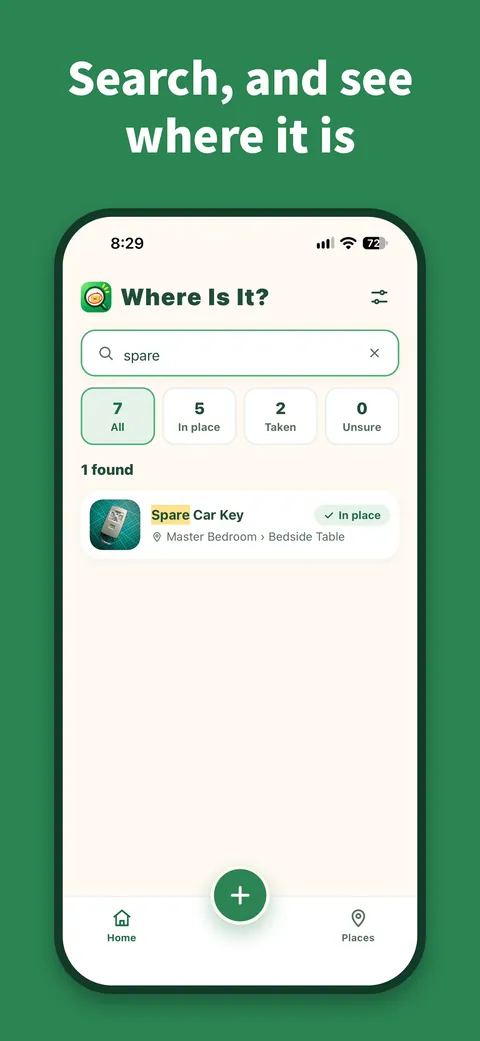
- Searchsee it in seconds
← Swipe for more →
Spare keys, manuals, that little adapter…
- Saved in secondsPhotograph the item, then its place, and give it a name. A category and notes are up to you.
- Circle the exact spotMark which shelf or box with a circle, an arrow or a word. The photo stays as it was; marks can change any time.
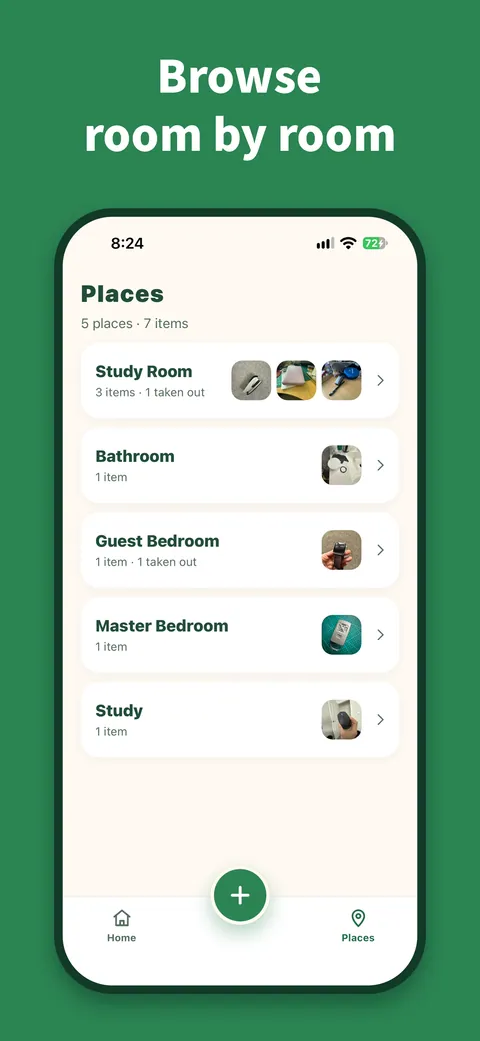
- Found in secondsSearch names, places or notes as you type — or browse room by room, cupboard by cupboard.
- Taken out, put back, one tapTake it, put it back or move it with a tap, with undo; every item keeps its own history.
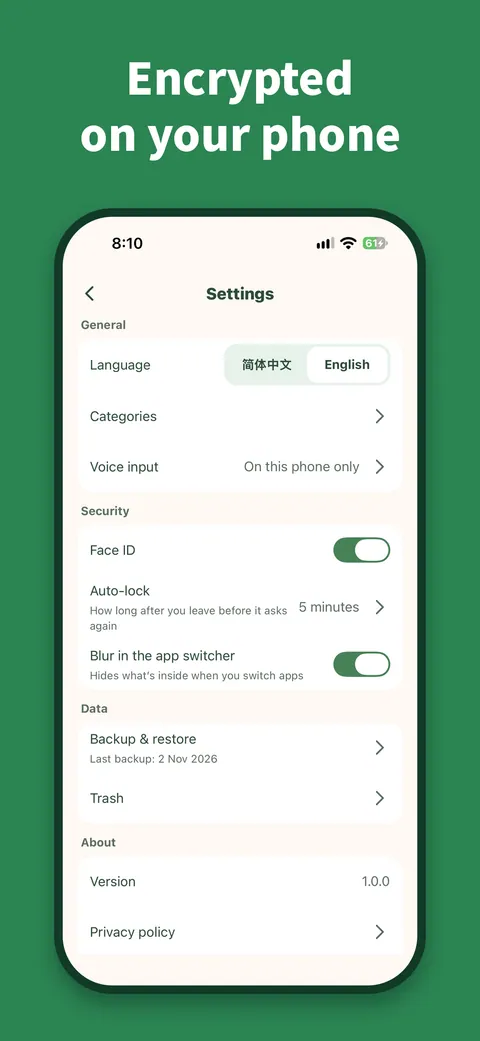
- Only on your phone, encryptedNo account and no server: the developer never sees your things. Photos stay out of your gallery; unlock with Face ID or fingerprint.
- Safe when you switch phonesExport a backup sealed with your own password and restore it on the new phone; deleted items wait in the trash for 30 days.
Free for 20 items, every feature included. Pro, one purchase: no limit, no ads.
Support
For questions or feedback, email nzcheez@gmail.com, or use Settings › Suggest a feature in the app.
© 2026 Chi Zhang